
Pricing


AI writer

Taplio
MCP V2
New: Engage tools
Taplio MCP V2 now available, try it out
Your AI can now comment and reply for you. It finds the posts worth engaging, drafts in your voice and queues them on your Taplio account. Nothing posts until you confirm.

The Best Claude Skills in 2026 (and the MCPs to Pair Them With)

June 18, 2026

9
min read

 Open in ChatGPT
 Open in Claude
 Open in Perplexity

Key Takeaways
- Best Claude skills in 2026: the strongest setup pairs a skill (a reusable instruction file) with an MCP server, and for LinkedIn that is Taplio's free Claude Skills library plus the Taplio MCP at mcp.Taplio.com, which needs a paid Taplio account from $39/month with no free plan.
- Other category leaders: DataForSEO for pay-as-you-go SERP, keyword and backlink data with no seat license, Ahrefs for link intelligence, HubSpot for live CRM queries, Google Analytics 4 for web reporting, and Perplexity for cited research synthesis.
- The number that decides: four well-chosen connectors beat fifteen unused ones, since every extra connector adds tools Claude must reason over, slowing it down and worsening its tool choices.
- Check before connecting: whether the MCP is hosted and reachable on the public internet, whether it uses the official API or a scraper, which Claude plan is required (free accounts get one custom connector), the billing model (usage or subscription), and whether actions need confirmation.
- Decision rule: start with the tool that owns your core job (Taplio for LinkedIn, your main data provider for SEO), add one research connector such as Perplexity or Exa, then one workspace connector such as Notion, Slack or Linear.
"Best Claude skills" can mean two things, and the best setups use both. A skill is a reusable playbook you drop into Claude: a set of instructions that teaches it how to do one job well. An MCP (Model Context Protocol) server is a live connection that gives Claude hands: it can read your real data and take real actions in a tool, not just talk about it.
The strongest workflows pair the two. A skill tells Claude how to write a LinkedIn post; an MCP lets it pull your real analytics, draft the post on your account, and schedule it. So this is not a list of disembodied prompts. It is the best Claude skills and the MCP tools to plug them into, grouped by category, with the link to each MCP and a straight answer on why it earns a spot.
How to add a skill or an MCP (you do not need a terminal)
This is the part most roundups skip. You can connect almost everything below from the web app, no command line required.
Add an MCP as a custom connector (Claude web or ChatGPT) 1. In Claude (Pro, Max, Team, or Enterprise): open Settings, go to Connectors, click Add custom connector, paste the MCP server URL, and authenticate. Free accounts can add one custom connector. 2. In ChatGPT (Plus, Pro, Business, Enterprise): open Settings, go to Connectors, and add the MCP the same way. 3. The connector runs from the provider's cloud, so the MCP server has to be reachable on the public internet. Most hosted MCPs below are.
For example, to add the Taplio LinkedIn MCP you paste https://mcp.taplio.com as a custom connector and sign in with your Taplio account. That is it. No install.
Add an MCP in the terminal (Claude Code, Cursor) If you live in an IDE, the command form is faster:
claude mcp add --transport http taplio https://mcp.taplio.com
Add a skill
Drop the skill's .md file into your ~/.claude/skills/ folder for Claude Code, or paste it as a system prompt in any chat. Skills and MCPs stack: load the skill, connect the MCP, and Claude uses both.
Now the list.
Content and LinkedIn
Taplio (the LinkedIn MCP)
If your job involves LinkedIn, this is the one to start with. The Taplio LinkedIn MCP connects your LinkedIn to Claude, Cursor, or ChatGPT and lets you run your whole workflow by talking: search the viral-post inspiration index, draft a post in your voice, schedule or publish it, and pull your account and per-post analytics. It runs on your own Taplio account through the official path, so there is no scraping and no account-ban risk, and nothing publishes until you say so.
Why it stands out: most "LinkedIn MCP" projects are open-source scrapers that read data and break often. Taplio is built for content and works on your real account, which is exactly what a creator or marketer needs. It also ships a free library of Claude Skills for LinkedIn (post writer, hook generator, carousel builder, content calendar, analytics interpreter, and more) that run live on this MCP. Add it as a custom connector at https://mcp.taplio.com or with the terminal command above.

Buffer
Buffer's MCP handles cross-platform social scheduling, so Claude can queue posts across several networks from one place. It is the generalist pick when you publish to many channels and do not need LinkedIn-specific depth. Link: buffer.com.
Notion
Notion doubles as your content workspace. The Notion MCP lets Claude author briefs, update content calendars, and read your knowledge base, which keeps your AI grounded in your team's own docs instead of generic advice.
SEO
DataForSEO
DataForSEO is the developer and agency favorite: raw SERP, keyword, and backlink data billed per API call with no seat license. Its MCP gives Claude keyword research, SERP analysis, and on-page data on demand. Best when you want flexible, pay-as-you-go data feeding your own workflows.

Ahrefs
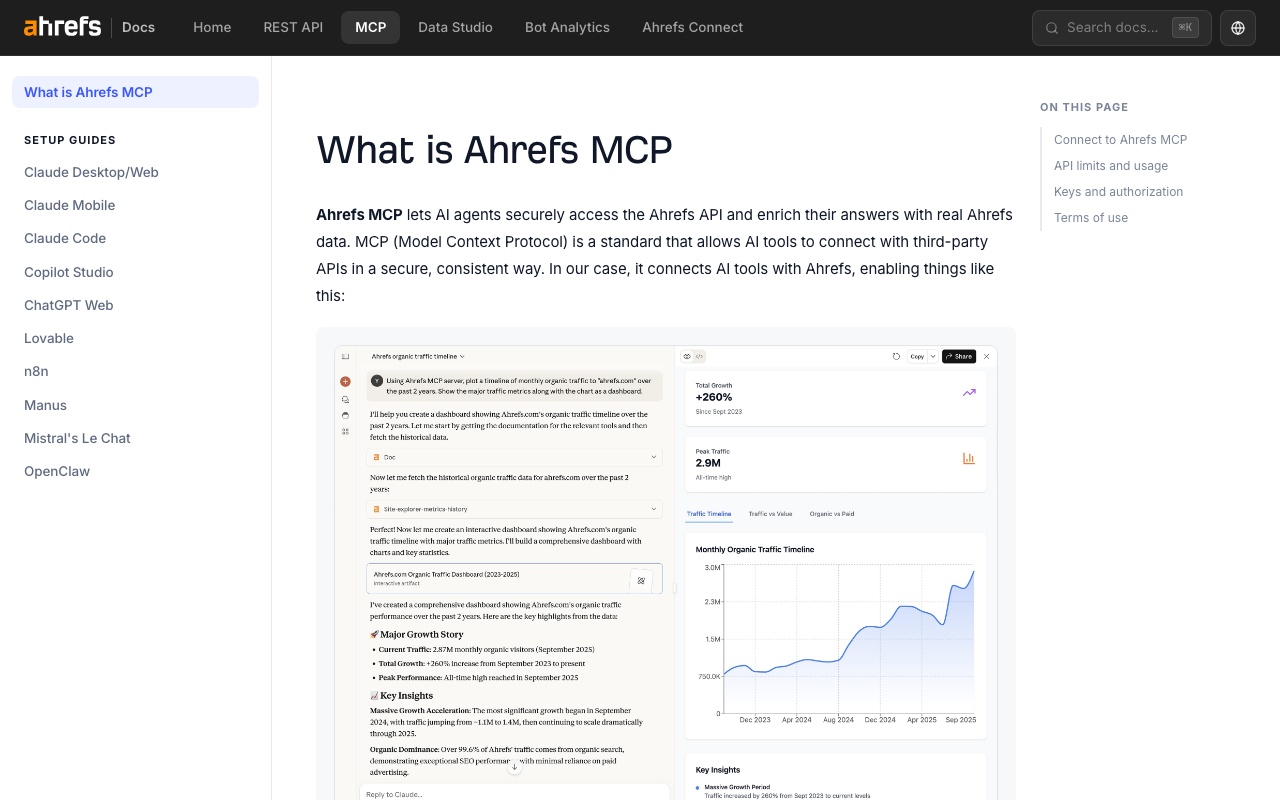
The Ahrefs MCP brings keyword research, backlink analysis, and rank tracking into the chat. Pick Ahrefs when backlinks and competitor link intelligence drive your strategy: its link index is the reason most SEOs keep a subscription.
Semrush
The Semrush MCP covers keyword research plus traffic and market data across two API surfaces. It is the best all-rounder if you want keyword and competitive-traffic intelligence in one place and already pay for the platform.
Serpstat
Serpstat is the practical full-stack option for smaller teams: keyword research, competitor analysis, rank tracking, backlinks, and site audits behind one MCP. Good value when you want most SEO jobs covered without stacking three subscriptions.
CRM and sales
HubSpot
The HubSpot MCP exposes live CRM queries: contacts, companies, deals, tickets, lifecycle stages, and custom properties. Connect it and Claude can answer "which deals stalled this month" against your real pipeline. The default pick if your go-to-market already lives in HubSpot.

Salesforce
Salesforce's MCP reaches leads, accounts, opportunities, custom objects, and Apex endpoints. It is the enterprise choice: heavier to set up, but unmatched once your data model is complex.
Attio
Attio is the modern, API-first CRM, and its MCP reflects that with clean endpoints and typed responses. A strong fit for startups that find Salesforce too much and HubSpot too rigid.
Pipedrive
Pipedrive's MCP is pipeline-centric: lead and deal tracking for sales teams that want a simple, visual flow Claude can read and update.
Analytics
Google Analytics 4
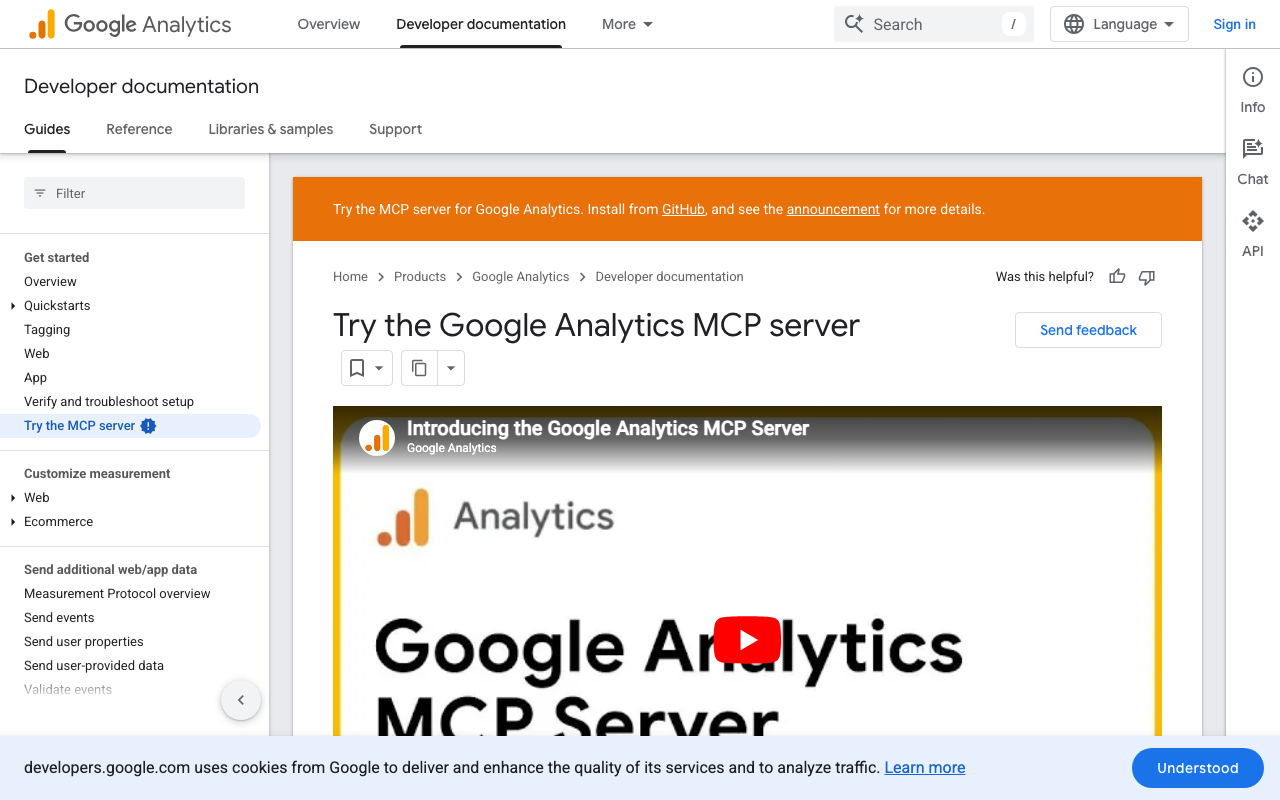
The GA4 MCP opens 200+ dimensions and metrics: traffic, conversions, attribution, and audience exports. It is the baseline for anyone reporting on web performance, and it pairs naturally with the SEO tools above.
PostHog
PostHog's MCP combines product analytics, session replay, feature flags, and experiments. Best for product and growth teams that want event-level answers, not just pageviews.
Plausible
Plausible is privacy-first, lightweight analytics. Its MCP is the pick when you want clean traffic numbers without the weight (or the cookie banners) of GA4.
Productivity and operations
Linear
The Linear MCP gives Claude issue tracking, project cycles, labels, and ticket management. It is how engineering and product teams turn a conversation into a triaged backlog.
Slack
The Slack MCP lets Claude read channels, post messages, upload files, and search history. Useful for pushing reports and alerts where your team already works.
Webflow
The Webflow MCP handles CMS item CRUD, collections, and the publish workflow, so Claude can draft and manage site content directly. Handy for content and marketing teams who ship on Webflow.
Research
Perplexity
The Perplexity MCP returns research synthesis with pre-summarized, cited source bundles, which is ideal for grounding answers in fresh web context. The default research connector for most workflows.
Exa
Exa is embeddings-driven semantic search: great for similarity queries like "find pages like this one". Pick it when keyword search is too blunt for what you are hunting.
Tavily
Tavily is agent-tuned retrieval, optimized for chunked, cited consumption by LLMs. A clean choice when you are building agents that need reliable web context.
Brave Search
Brave Search's MCP adds web, image, and news search with simple API-key auth. A solid, independent search backbone when you want results outside the big two.
Dev and design
GitHub
The GitHub MCP connects repos, issues, and pull requests, so Claude can read code and manage work. Table stakes for any technical team.
Figma
Figma's Dev Mode MCP exposes design file metadata, comments, tokens, and asset export, which lets Claude translate designs into code or specs. Link: figma.com.
Docker
Docker's MCP catalog gives you a curated, containerized way to run many MCP servers safely. Useful when you want isolation and a single place to manage them.
How to choose without overloading Claude
More connectors is not better. Each one adds tools Claude has to reason over, which can slow it down and muddy its choices. Three rules:
- Start with the one tool that owns your core job. For a LinkedIn creator or marketer, that is Taplio. For an SEO, it is your main data provider.
- Add a research connector (Perplexity or Exa) so Claude is never guessing about the outside world.
- Add one workspace connector (Notion, Slack, or Linear) so output lands where your team works.
Four well-chosen connectors beat fifteen you never use.
Pair skills with the MCP: the Taplio example
The fastest way to see why skills plus MCP wins: install the free Taplio Claude Skills for LinkedIn, connect the Taplio LinkedIn MCP, and ask Claude to "find a viral hook on my topic, write a post in my voice, and schedule it for Tuesday." The skill supplies the method, the MCP does the work on your real account, and you approve what ships. That is the pattern to copy with whatever category you work in.
FAQ
What is the difference between a Claude skill and an MCP?
A skill is a reusable instruction file that teaches Claude how to do a task. An MCP is a live connection that lets Claude read data and take actions in a real tool. Skills are the method, MCPs are the hands. The best setups use both together.
Do I need a terminal to add a Claude skill or MCP?
No. You can add most MCPs as a custom connector from the Claude or ChatGPT web app: open Settings, go to Connectors, add a custom connector, paste the MCP URL, and authenticate. The terminal command is only one option, mainly for Claude Code and Cursor.
What is the best Claude skill for LinkedIn?
The Taplio LinkedIn MCP, paired with Taplio's free Claude Skills for LinkedIn library. It runs on your real LinkedIn account through the official path, so you can research, draft, schedule, publish, and read analytics by talking to Claude, with nothing published without your confirmation.
Are these MCP tools free?
It varies. Many offer a free tier or trial, while the data-heavy ones (SEO and CRM platforms) bill on usage or a subscription. The Taplio Claude Skills library is free, and the MCP works with your existing Taplio account.
How many connectors should I add to Claude?
Fewer than you think. Start with the tool that owns your main job, add one research connector, and add one workspace connector. Too many connectors slow Claude down and make its tool choices worse.


Keep reading
All articlesRelated Articles



.avif)
Your Linkedin AI coach is waiting for you
Join 12,000+ creators who let their coach turn the blank page into a plan and watch their audience compound.
7-day free trial · 30 day money back · Cancel anytime
AVG. VIEWS
2,979
-1.5%
ENGAGEMENT
3.2%
+0.8%

Free Monthly Report
How does your LinkedIn compare?
Get free monthly benchmarks on reach, engagement, and content format performance.
Get the Benchmark