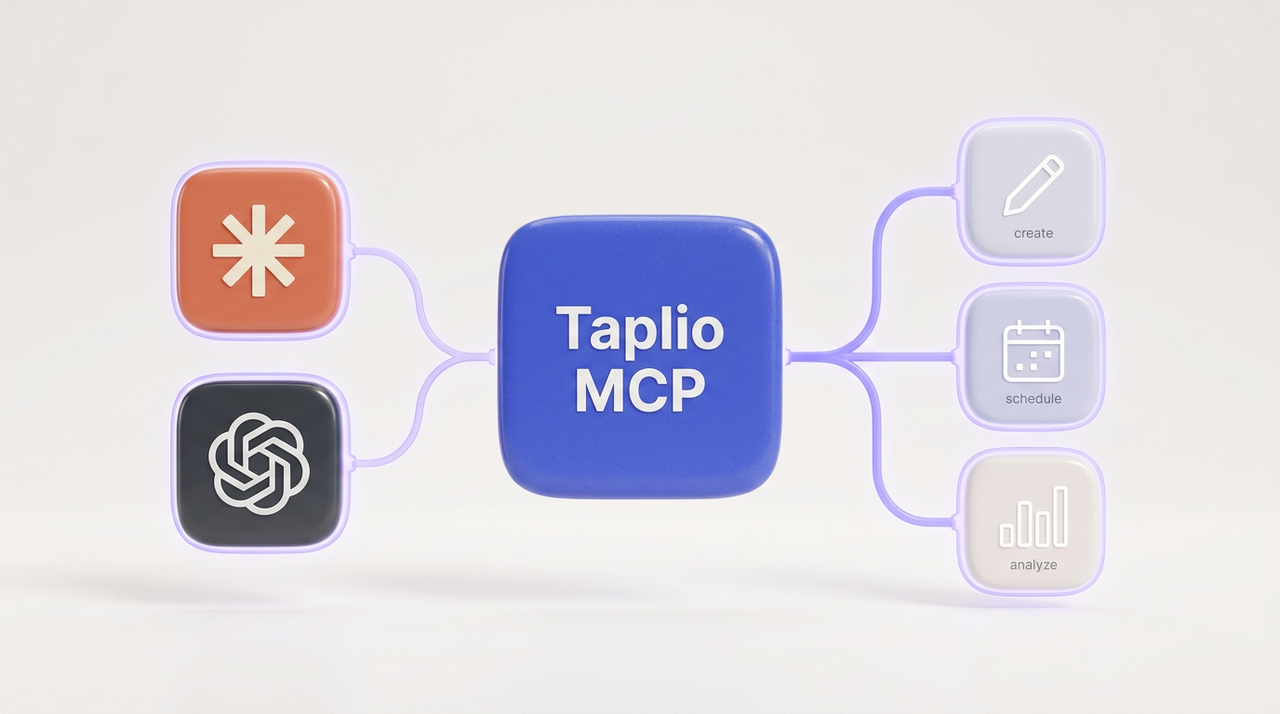
The toolset14 tools your AI can use.
Every action your assistant needs to run your LinkedIn, now including comments and replies. Clean, predictable tools.
NewEngage, new in MCP V2: comment and reply from your AI
Research, write, schedule, analyze and media
get_me()Read your profile and account context.
search_inspiration()Find high-performing posts in your niche.
create_draft()Write a new post draft in your voice.
update_draft()Edit and refine an existing draft.
schedule_draft()Queue a draft for a chosen time.
unschedule()Pull a post back out of the queue.
publish_draft()Publish now, only after you confirm.
delete_draft()Remove a draft you no longer want.
list_posts()Browse your published posts.
get_post()Read a single published post.
list_drafts()See every draft in your account.
get_draft()Read a specific draft in full.
get_analytics_overview()Followers, impressions and engagement trends.
get_post_analytics()Performance for one specific post.
attach_media_from_url()Attach an image or video to a draft from a url.
upload_media()Upload a file from your device to a draft.
pick_media()Reuse a file from your Taplio media library.
list_media()List the media already in your library.
create_media_upload_url()Get an upload link for a file the agent holds.
Nothing publishes without your confirmation





 Claude
 Windsurf
 Zed
Zed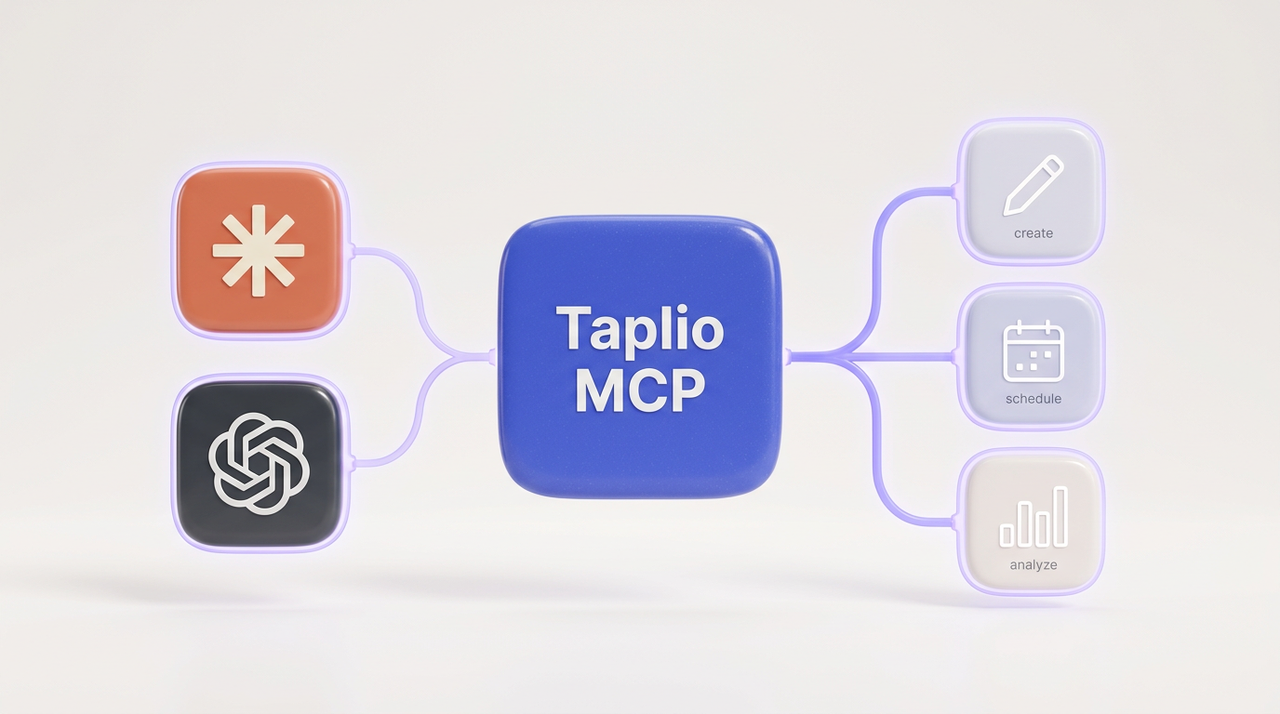






 Windsurf
 Zed
Zed