


2,847 creators joined this month
Grow your LinkedIn audience 3x faster
AI writing, carousel maker, scheduling, analytics, and lead finder. All in one tool.
Try Taplio for free7 day free trial - Money back guarantee

You typed a thoughtful note to go with a connection request, hit send, and LinkedIn cut you off mid-sentence. Or worse: "You've reached the weekly invitation limit."
LinkedIn has quietly stacked up half a dozen different limits on connection requests. Here is every number that matters in 2026, in one place.
Now the details, because the fine print is where people get restricted.
When you add a note to a connection request, you get 300 characters. Not words, characters. Spaces count. Emojis count (some count double).
That is about 2 to 3 short sentences. LinkedIn will not warn you politely if you paste something longer from a doc: it just truncates or blocks the send button.
What fits in 300 characters:
"Hi Sarah, your post on pricing experiments last week matched exactly what we are testing at Acme. Would love to swap notes with someone a few steps ahead of us."
That is 164 characters. You have room. The mistake is not the limit, it is trying to pitch inside it. A connection note has one job: give the person a reason to accept. The conversation comes after.
Since 2024, LinkedIn limits free members to a handful of personalized invites per month (the widely observed number is 5). After that, you can still send requests, just without a note.
Premium, Sales Navigator, and Recruiter accounts do not have this monthly note cap.
Is a blank request worse than a note? Not always. LinkedIn's own data has shown blank requests to familiar faces (people who engage with your content) get accepted at decent rates. A note matters most when you are a complete stranger.
LinkedIn caps how many connection requests you can send per week. There is no official published number, but in practice:
The counter resets on a rolling weekly basis. Hit the cap and you will see the dreaded "You've reached the weekly invitation limit" modal until it rolls over.
Beyond the weekly rolling limit, LinkedIn has no official daily cap. But trying to send all 100 in a single day is a major red flag that triggers bot detection. To stay safe, pace your outreach to roughly 15 to 20 requests per day.
Spreading invitations across the week prevents sudden, unnatural bursts and keeps you under the spam filters while you still hit your networking goals.
You do not always have to hit 100 to get restricted. I have seen profiles flagged after only a handful of invites. If your behavior looks unnatural, LinkedIn cuts your capacity early.
When recipients decline and tell LinkedIn they do not know you, your account's trust score drops. Too many of these reports tell the algorithm you are messaging strangers, which forces a quick restriction.
If your acceptance rate falls below 30%, LinkedIn throttles your volume well under the baseline. To fix this, sharpen your targeting and your opener with our guide on how to write a LinkedIn connection message.
Profiles under three months old face stricter caps, often closer to 50 requests per week, until they build a track record.
Letting old, unanswered invitations pile up tells the algorithm you are mass-inviting unresponsive users, which triggers throttling. Withdraw stale requests regularly.
A common myth is that any paid plan unlocks unlimited invites. It does not, but paying does help. Upgrading to Premium or Sales Navigator raises your account's trust signals, which can lift your effective connection limit, and it adds messaging options on top.
If you are starting from a new or warm-up profile, do not launch heavy outreach immediately. Build a base of 200+ first-degree connections manually first to establish authority and avoid early restrictions.
Every invite that sits unanswered counts against your sender reputation. A few hundred pending invites is normal. Past roughly 1,500, LinkedIn may block new invites entirely.
Hygiene rule: withdraw invitations older than 3 to 4 weeks. (My Network, then Manage, then Sent.) Withdrawn invites free up your pending count, and the person is not notified.
One catch: withdraw an invite and you cannot re-invite that person for up to 3 weeks.
LinkedIn caps first-degree connections at 30,000. After that, people can follow you but not connect. If you are anywhere near this, your problem is not limits, it is curation.
The accounts that get throttled all make the same mistake: they send cold requests to strangers at scale. Acceptance rates drop, "I don't know this person" reports stack up, and LinkedIn tightens the screws.
The accounts that never hit problems do the opposite: they send requests to warm people.
Someone who liked or commented on your post already knows who you are. A connection request to them is expected, not intrusive. Acceptance rates on engaged audiences routinely run 2 to 3 times higher than cold outreach.
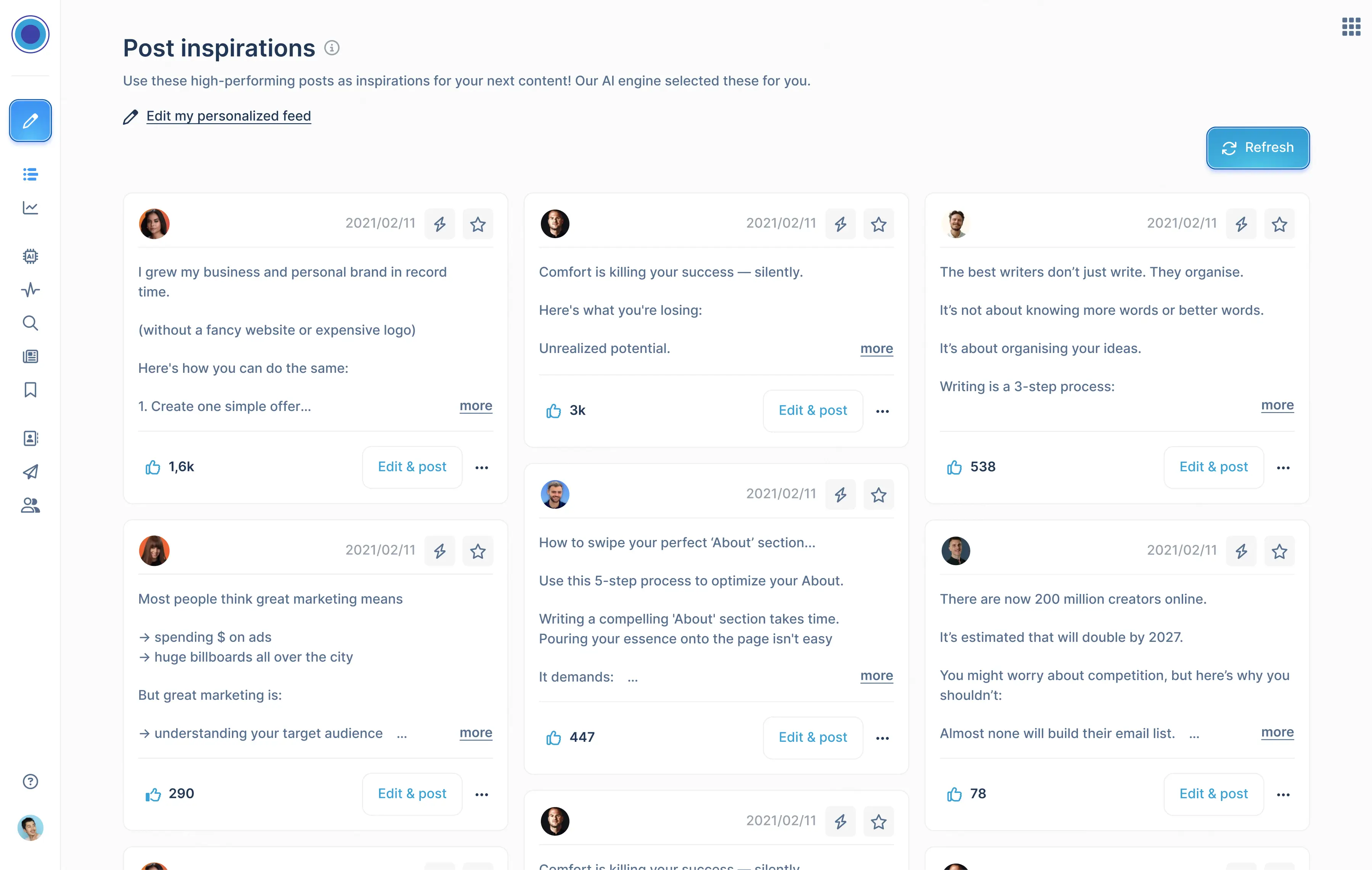
That is exactly what Connection Requests in Taplio is built for: it surfaces the people who engaged with your LinkedIn posts and lets you send them a connection request in one click, while they are still warm. No scraping strangers, no burned weekly quota on people who will never accept.
Pair it with a posting rhythm (see our guide on the best time to post on LinkedIn) and the math compounds: more engagement, more warm leads, more accepted requests, more reach.
Manual networking is slow, and aggressive automation gets accounts restricted. Taplio is built to keep you inside the exact thresholds LinkedIn uses to detect bots, so you can scale outbound while staying within safe limits.
Growing under a 100-invite baseline is about managing your profile health, not forcing volume. Four tactics I rely on:
The most reliable way to scale, though, is to get prospects to invite you. Turn your profile into an inbound magnet with engaging, visual content using the LinkedIn carousel generator.
Waking up to a blocked account is stressful, but a restriction does not mean your profile is finished. Most penalties are automated safety tripwires, and you can recover if you handle it correctly.
If you are in a soft-lock, change your behavior before LinkedIn escalates the penalty:
Once automation is off and your queue is cleared, wait it out. Weekly soft-locks usually reset in 3 to 7 days. Do not try to "test" with a request before it lifts, as that can restart the timer. When you are back, stick to 5 to 10 manual requests a day for the first week to slowly rebuild trust.
How many characters can a LinkedIn connection request note have?
300 characters, including spaces and emojis.
How many connection requests can I send per week?
Roughly 100 to 200, depending on account age, activity, and past acceptance rates. LinkedIn does not publish the exact number.
Can I send notes with every request on a free account?
No. Free accounts get about 5 personalized notes per month. Requests without notes remain available.
Do withdrawn invitations count against my limit?
Withdrawing frees up your pending-invite count, but you cannot re-invite that person for about 3 weeks.
What happens when I reach 30,000 connections?
New people can only follow you. Existing connections are unaffected.
Can I send more than 100 connection requests a week?
Yes, depending on your account's trust score. The baseline is about 100 a week, but if your profile is active, your acceptance rate stays above 30%, and your Social Selling Index is strong, LinkedIn can grant a higher threshold, up to roughly 150-200 per week.
Do pending connection requests count against my limit?
Yes. LinkedIn watches your pending backlog closely, because a pile of unaccepted requests looks like bulk spam. There is no public hard number, but letting requests stack up will choke your weekly limit and prompt throttling. Withdraw stale invites regularly.
How long do connection requests stay pending?
Sent requests stay active until the recipient accepts, ignores or you withdraw them. LinkedIn auto-purges fully abandoned invitations after about six months, but leaving them that long hurts your account health, so clean them up sooner.
What is the 3% rule on LinkedIn?
The 3% rule says you should not send more invites in a week than about 3% of your existing first-degree network. With 1,000 connections, cap weekly outreach near 30 invites to keep your growth rate looking natural.
Do LinkedIn Premium users get more connection requests?
Premium and Sales Navigator do not hand you an "unlimited" button, but they help. As a verified, paying customer, your profile carries more baseline trust, and a premium account with a strong SSI can safely push past the standard 100, up to roughly 150-200 a week, as long as your acceptance rate stays healthy and you spread volume across the week.
AI writing, carousel maker, scheduling, analytics, and lead finder. All in one tool.
Try Taplio for free
Get free monthly benchmarks on reach, engagement, and content format performance.
Get the Benchmark



.png)
