




2,847 creators joined this month
Grow your LinkedIn audience 3x faster
AI writing, carousel maker, scheduling, analytics, and lead finder. All in one tool.
Try Taplio for free7 day free trial - Money back guarantee

LinkedIn groups help you stay on top of industry news, connect with people who share similar interests, and expand your professional network.
But with thousands of active groups, it can be complicated to find the right ones for your needs. In this article, we show you how to find, join, and use LinkedIn groups to strengthen your profile.
Read on to learn more.
✅
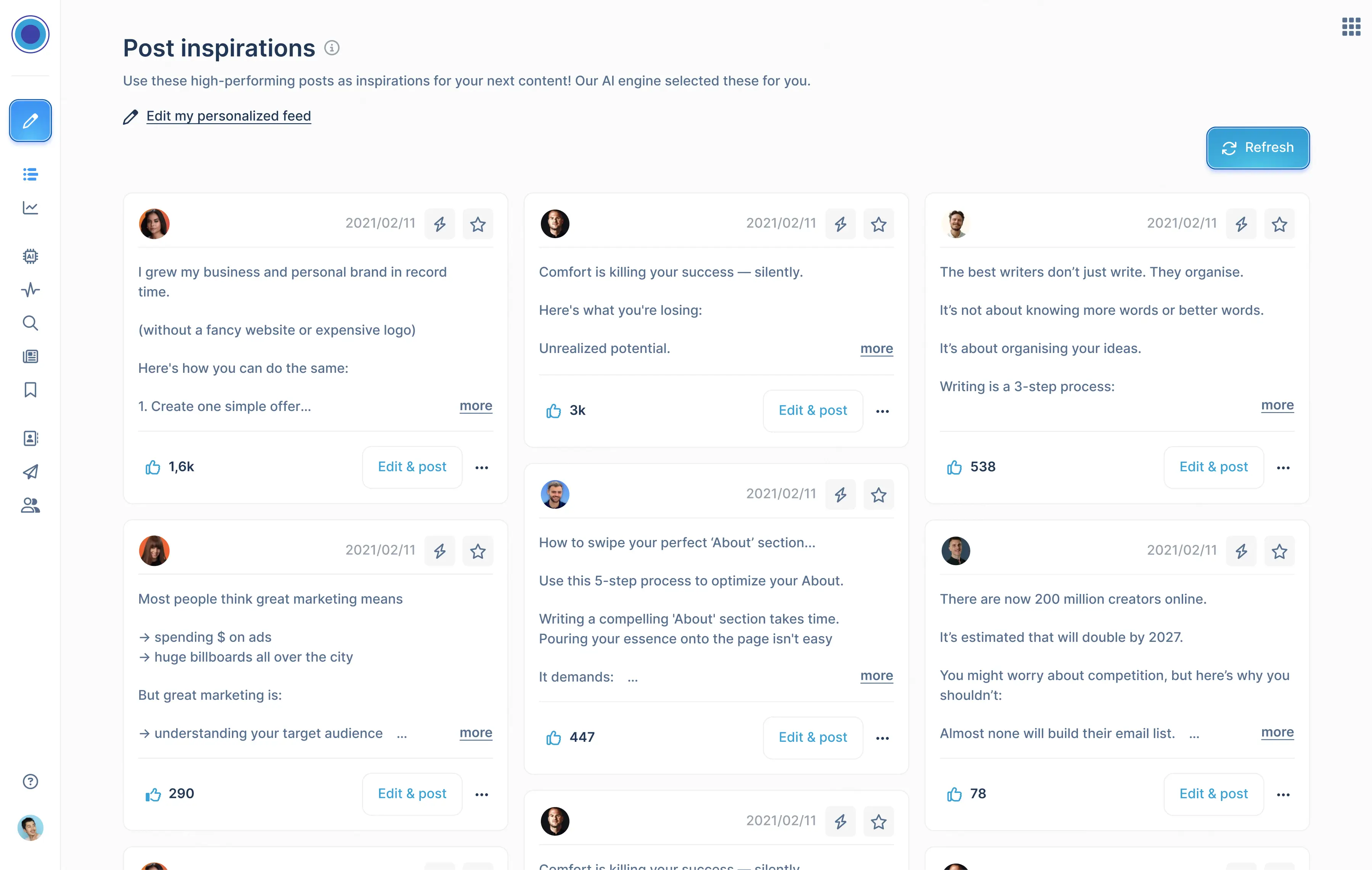
Taplio is the key to unlocking your potential on LinkedIn. From content inspiration to AI, scheduling, automation, analytics, and even CRM and CRM integration, Taplio has it all. This comprehensive toolset can enhance your LinkedIn experience and create more opportunities for you. Take Taplio for a spin and try it for free today.
This comprehensive toolset can enhance your LinkedIn experience and create more opportunities for you. Take Taplio for a spin and try it for free today.
LinkedIn groups are open or closed communities where users share content, ask and answer questions, follow the latest industry trends, make business contacts, and establish themselves as industry experts.
There are thousands of industry groups on LinkedIn, each of them focusing on a particular topic.
There are about 3,400 LinkedIn groups focusing on lead generation, many of them with thousands of active users.
The main benefit of LinkedIn groups is that they enable you to connect with like-minded individuals. Many of the groups you can join foster active communities where industry specialists discuss the latest developments in certain industries, share valuable content, ask questions, and engage with one another.
LinkedIn groups are perfect for building meaningful relationships with your peers, expanding your professional network, and generating new leads.
LinkedIn makes it easy for you to find the right groups. If you optimize your LinkedIn profile the platform’s algorithm will recommend specific groups you may like. To find your personalized recommendations, click on the “Work” icon in the top right corner of your screen and select “Groups” in the menu. Click on “Discover” on the Groups page to browse your recommendations.
To find LinkedIn group recommendations, click on “Work” and select “Groups”.
You can also use keywords to find industry-specific LinkedIn groups. Type your keyword in the search bar and click on “Groups” in the results page to see the most active communities that focus on that topic.
LinkedIn’s search feature helps you find groups with keywords.
As we mentioned earlier, there are thousands of LinkedIn groups you can join. But the platform only allows you to be a member of up to 100 groups at a time. While that limit might seem restrictive, the truth is that most users only need 10 – 20 groups to discover new trends in their industries and connect with like-minded people.
Here are some things you should take into account when selecting the best LinkedIn groups:
The group’s “About” section can help you understand what kind of topics the community focuses on.
There are three types of Linkedin groups:
If you’ve browsed the selection of active groups in your industry and decided that you have a different take on things, or if you want to grow your personal brand, you can create your own Linkedin group.
To do so, go to “Work” in the top right side of your screen, select “Groups”, and click on “Create Group”. Choose a group name that’s relevant to your target audience, add a description and an industry focus, set some rules, select a group type, and you’re good to go.
Creating a LinkedIn group is a great way to boost your personal brand.
Keep in mind that the best way to grow your professional community is to send personalized invites to industry experts. After several individuals join your community and your group gets some traction, you’ll be able to attract members organically.
Use our guide on how to get more followers to learn more about creating engaging posts that attract people to your community.
LinkedIn groups are invaluable resources if you want to expand your professional network and build a personal brand. Here’s a quick guide on how to make the most out of them.
LinkedIn groups enable you to network with professionals from around the world, so they’re invaluable resources for those who want to grow their personal brands. Use our guide to find the best groups in your industry and establish yourself as an expert in your field.
✅
Want to drive more opportunities from Linkedin?
Content Inspiration, AI, scheduling, automation, analytics, CRM.
Get all of that and more in Taplio.
AI writing, carousel maker, scheduling, analytics, and lead finder. All in one tool.
Try Taplio for free
Get free monthly benchmarks on reach, engagement, and content format performance.
Get the Benchmark





.png)
