
Pricing


AI writer

Taplio
MCP V2
New: Engage tools
Taplio MCP V2 now available, try it out
Your AI can now comment and reply for you. It finds the posts worth engaging, drafts in your voice and queues them on your Taplio account. Nothing posts until you confirm.

LinkedIn MCP with Zapier, Composio and n8n: the Integration Routes (2026)

June 18, 2026

4
min read

 Open in ChatGPT
 Open in Claude
 Open in Perplexity

Key Takeaways
- LinkedIn MCP routes: Two routes exist, an integration platform MCP (Zapier, Composio, n8n, Make) that treats LinkedIn as one app among thousands, or a dedicated server like the Taplio LinkedIn MCP, which starts at $39/month with a 7-day trial and no free plan.
- The alternatives: Zapier MCP is the no-code generalist reaching thousands of apps through your Zapier account, Composio is developer-grade with managed OAuth and typed responses for agent builders, and n8n (open-source, self-hostable) plus Make suit visual or self-hosted workflows.
- The number that decides: Taplio's LinkedIn Benchmark analyzes 60,000+ LinkedIn posts each month, the inspiration index a shallow platform "create LinkedIn post" action cannot reach.
- What to check first: Compare setup mode (no-code, code, or self-hosted build), auth path (Zapier account, managed OAuth, your own credentials, or your Taplio account), LinkedIn depth (basic actions versus the full content loop), and whether the route scrapes or uses sanctioned paths.
- The decision rule: Choose Zapier, Composio or n8n if LinkedIn is one step in a multi-app automation spanning CRM, email and sheets, and a dedicated MCP at https://mcp.Taplio.com if LinkedIn content and analytics are the job.
There are two ways to give Claude access to LinkedIn. One is a dedicated LinkedIn MCP that does one thing well. The other is an integration platform (Zapier, Composio, n8n, Make) whose MCP exposes LinkedIn as one app among thousands. Both are valid, and they suit different jobs.
This guide maps the integration-platform routes, what each gives you, and when a dedicated MCP is the cleaner answer. The short version: platforms win when LinkedIn is one step in a bigger multi-app automation; a dedicated MCP wins when LinkedIn content is the job.

The integration-platform routes
Zapier MCP
Zapier's MCP exposes Zapier's automation graph to AI: thousands of apps and tens of thousands of actions, LinkedIn among them. Connect it and Claude can trigger LinkedIn actions as part of a Zap, alongside your CRM, email, and sheets. It is the best pick when you already automate with Zapier and want one connector that reaches everything, and you do not need LinkedIn-specific depth. Authentication runs through your Zapier account.

Composio LinkedIn MCP
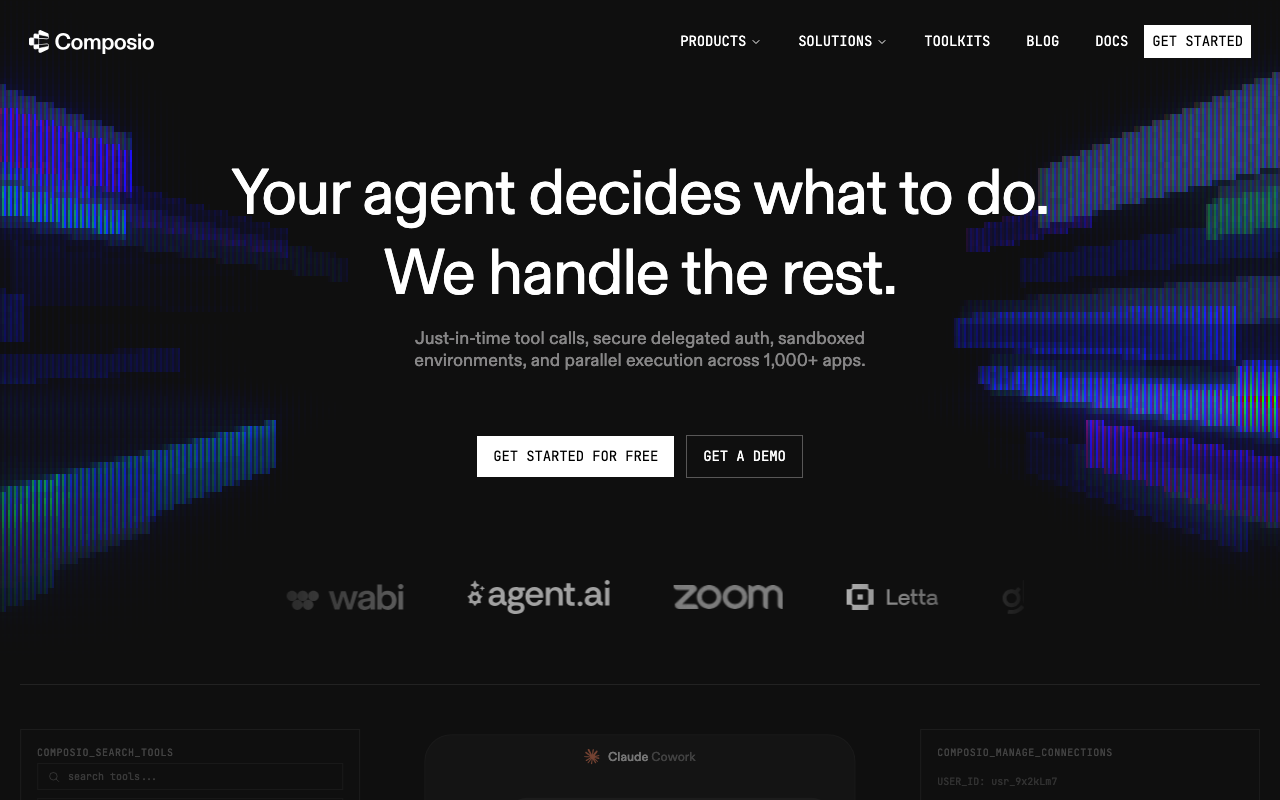
Composio is a developer-grade integration platform built for AI agents. Its LinkedIn toolkit exposes LinkedIn actions with managed OAuth and typed responses, and it sits inside a large catalog of tools. The right route if you are building an agent that needs LinkedIn plus many other tools, and you want clean, programmatic auth rather than a no-code builder.
n8n and Make
If you self-host or prefer visual workflows, n8n (open-source, self-hostable) and Make both speak MCP and can include LinkedIn steps. They give you control and a visual canvas, at the cost of building and hosting the workflow yourself.
The dedicated route: the Taplio LinkedIn MCP
When LinkedIn content is the actual goal, a platform connector is a detour. The Taplio LinkedIn MCP is purpose-built for it: search the viral-post inspiration index, draft a post in your voice, schedule or publish it, and read your analytics, all on your real Taplio account through the official path. No scraping, no Zap to maintain, and nothing publishes without your confirmation.
The difference is depth. A Zapier "create LinkedIn post" action posts text. A dedicated MCP runs the whole content loop: find what works, write it well, schedule it at the right time, and tell you how it did.
How they compare
RouteWhat it is best atSetupAuthLinkedIn depthZapier MCPMany apps, one connectorNo-codeZapier accountShallow (basic actions)ComposioAgent builders, dev-gradeCodeManaged OAuthMediumn8n / MakeSelf-hosted, visual workflowsBuild it yourselfYour own credsDepends on your buildTaplio (dedicated)LinkedIn content and analyticsConnector, two minutesYour Taplio accountDeep, content-native
When to use which
These are not mutually exclusive. A common setup is Zapier for the plumbing and Taplio for the LinkedIn content itself.
How to add any of these (two ways)
As a custom connector (Claude web or ChatGPT, no terminal): open Settings, go to Connectors, click Add custom connector, paste the MCP server URL, and authenticate. For Taplio that is https://mcp.taplio.com. Zapier and Composio provide their own connector URLs in their dashboards.

In the terminal (Claude Code, Cursor):
claude mcp add --transport http taplio https://mcp.taplio.com
For more on the dedicated option, see the best LinkedIn MCP servers and the open-source repos on GitHub.
FAQ
Can I post to LinkedIn from Claude using Zapier MCP?
Yes. Zapier's MCP exposes LinkedIn actions, so Claude can create a post as part of a Zap. It is shallow by design, though: it handles basic actions, not the full content workflow of researching, drafting in your voice, scheduling, and reading analytics.
What is the difference between Composio LinkedIn MCP and a dedicated LinkedIn MCP?
Composio exposes LinkedIn as one toolkit inside a large developer-grade integration platform, ideal when you build agents that need many tools. A dedicated LinkedIn MCP like Taplio's does only LinkedIn, but in depth: content research, drafting, scheduling, publishing, and analytics on your real account.
Do Zapier or Composio scrape LinkedIn?
No. They connect through LinkedIn's sanctioned integration paths and your authenticated account, not browser scraping. That makes them safer than the open-source scraping repos, though shallower than a content-native MCP for actually running your posting.
Which is best for LinkedIn content specifically?
A dedicated, content-native MCP. The Taplio LinkedIn MCP runs the full loop (inspiration, drafting, scheduling, publishing, analytics) on your real account, which platform connectors are not built to do.


Keep reading
All articlesRelated Articles



.avif)
Your Linkedin AI coach is waiting for you
Join 12,000+ creators who let their coach turn the blank page into a plan and watch their audience compound.
7-day free trial · 30 day money back · Cancel anytime