Product
Schedule
Queue posts at your best times, automatically
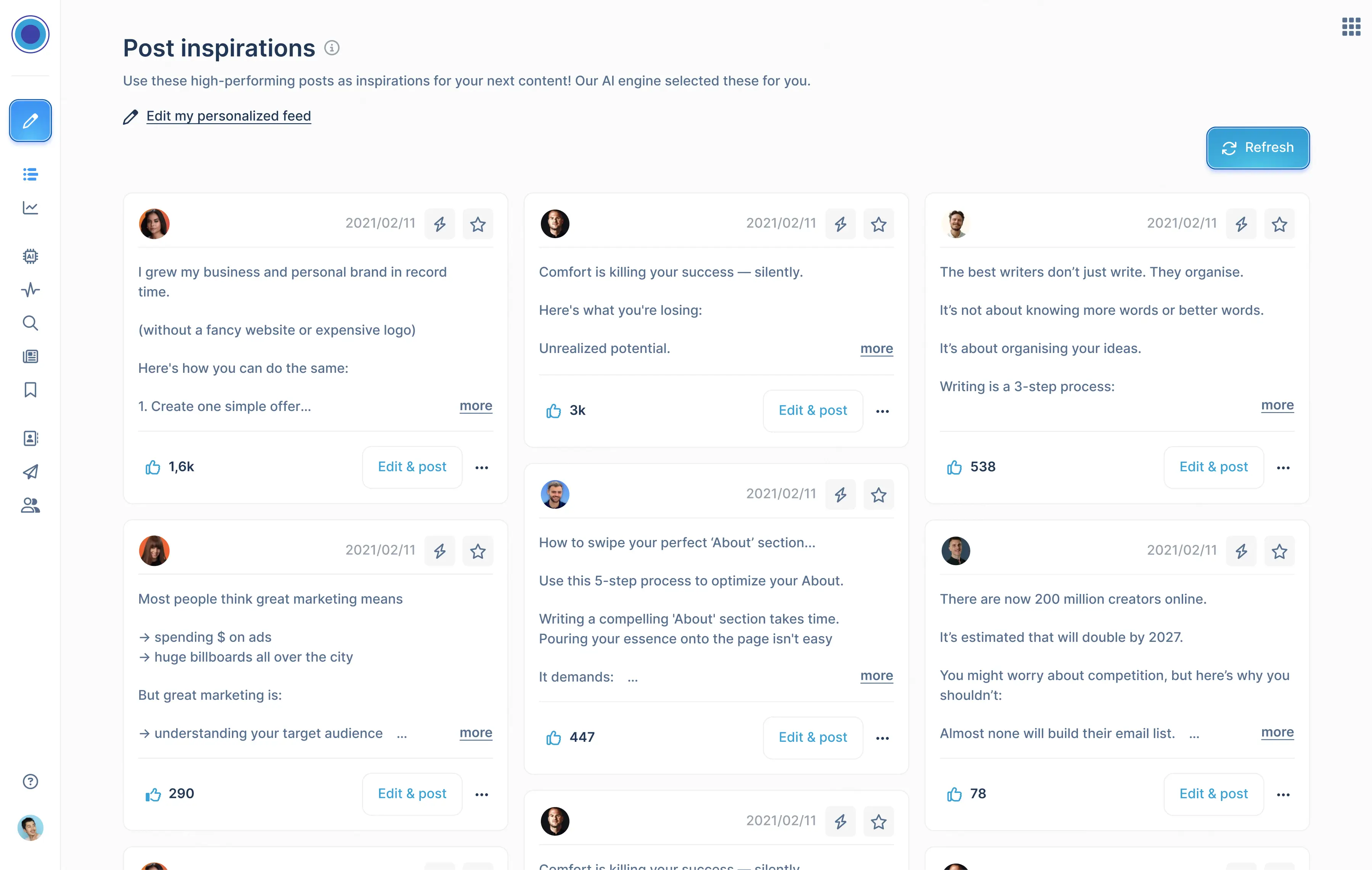
Find inspiration
Discover viral posts worth remixing
Analyse
See what's working and double down
Connect
Auto-connect and send DMs to warm leads
NEW
MCP : Run from your AI
Run Taplio from Claude, ChatGPT or any MCP enabled LLM
Create
Find ideas and write posts that grow
Carousels
Turn any content into a swipeable carousel
Engage
Show up on the right people's posts
Automate
Put your Linkedin growth on autopilot
Pricing
Resources
NEW
Linkedin Claude Skills
Unlock 17 free Claude Skills to run your Linkedin from any AI
Linkedin Masterclasses
Steal the playbook from the world's leading creators
Linkedin Benchmark
60,000 + Linkedin posts analysed each month. Know what really works on Linkedin and compare yourself to others!
Get the Benchmark
Blog
Playbooks, tips and product news
Help center
Guides and answers, anytime
Free Tools
Some usefull and fun tools to start growing on linkedin
Use Cases
For agencies
Manage every client at scale
For Personal Branding
Build and scale your personal brand
For corporate influencers
Turn leaders into creators
For Employee Advocacy
Turn your team into advocates
Log In
Start free trial
Log In
Start free trial
Annika Bautista
Leading influencer & affiliate campaigns from sourcing to ROI tracking. Building repeatable systems for growth: more updates soon ✨
Clear
Thank you! Your submission has been received!
Oops! Something went wrong while submitting the form.

Annika Bautista
/
November 30, 2022
Time-Saving Hacks: best Tips to Save Time on LinkedIn
Minimize the time you spend building your network on LinkedIn. These ten tips will save you hundreds of hours.
Personal Branding
Annika Bautista
/
November 21, 2022
Mastering LinkedIn Content: Strategies for Success is 2023
Learn how to build a successful LinkedIn content strategy for business that drives engagement, increases brand visibility, and helps achieve ...
Personal Branding
Annika Bautista
/
November 14, 2022
How to use LinkedIn groups: Best Practices for Community Building
To do so, go to “Work” in the top right side of your screen, select “Groups”, and click on “Create Group”. Choose a group name that's relevant...
Best LinkedIn Practices
Previous
1
...
Next
24 / 25
Ready to grow your LinkedIn brand?
Sign-up for free